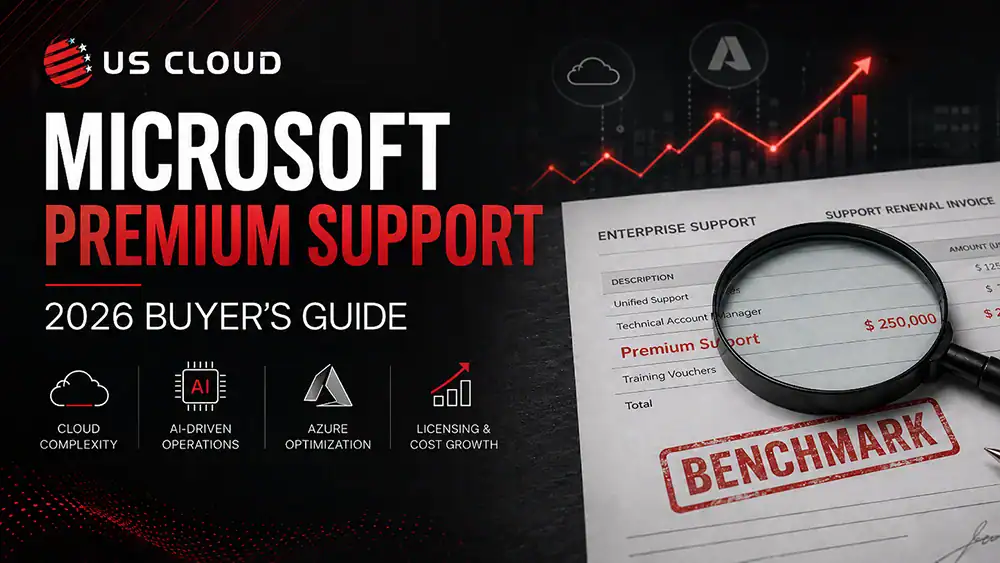
Microsoft Premium Support: The 2026 Buyer’s Guide for Finance Teams.

Executive Summary
- Microsoft premium support is no longer just an IT support line item. It is now a finance, procurement, and renewal leverage decision.
- Microsoft is not the problem. Unchecked Microsoft support economics are.
- As enterprises expand Microsoft 365, Azure, Copilot, Entra ID, Defender, Dynamics, Power Platform, and other Microsoft cloud services, support costs deserve greater scrutiny.
- Finance and procurement teams should evaluate Microsoft Unified Support and Microsoft Unified Enterprise the same way they evaluate any major recurring enterprise expense: with benchmarking, ROI modeling, risk analysis, service-quality proof, and negotiation leverage.
- The key question is not whether Microsoft support has value. It is whether the current support model, renewal structure, service outcomes, and cost trajectory still make sense as Microsoft usage grows.
- Before renewing Microsoft premium support, enterprises should determine whether they can reduce cost, improve support accountability, maintain coverage, and create renewal leverage.
Key Takeaway
Microsoft premium support is no longer just an IT support decision. For enterprise finance and procurement teams, it is a cost governance, renewal leverage, and business risk decision. Before renewing Microsoft Unified Support or Microsoft Unified Enterprise, organizations should benchmark third-party Microsoft Support alternatives, validate support outcomes with IT, model future cost exposure, and determine whether support spend is scaling with business value or simply with Microsoft usage.
The New Financial Question: Is Microsoft Support Worth the Cost?
The finance question is not, “Do we use Microsoft?” Of course you do. The better question is: Is Microsoft spend increasing faster than the business value, support quality, and operational leverage we receive in return?
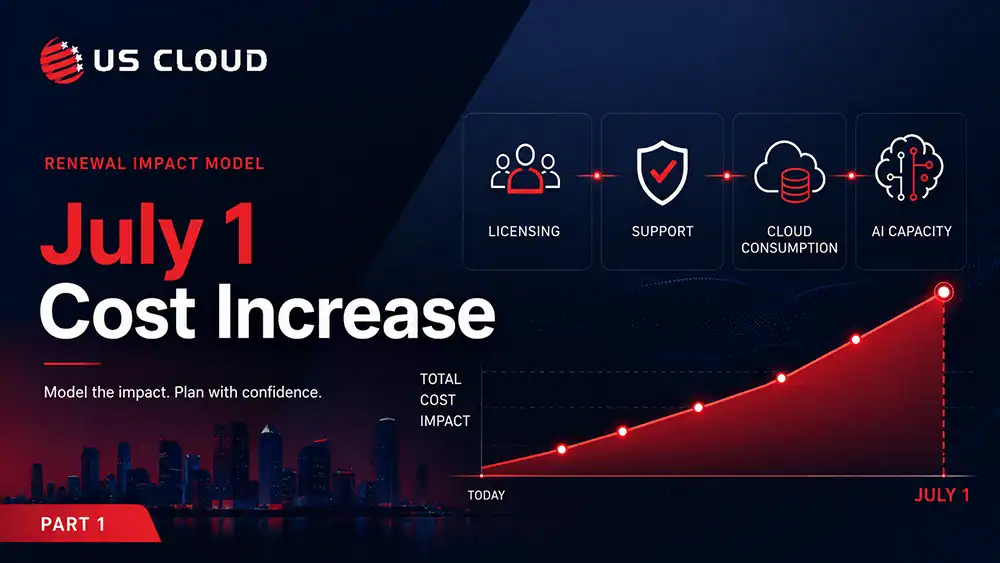
For CFOs, procurement leaders, and FinOps teams, the issue is whether each layer of Microsoft spend is being actively governed, especially support. This is critical to consider now because Microsoft’s commercial Microsoft 365 pricing updates take effect July 1, 2026. Microsoft announced the commercial Microsoft 365 suite pricing updates in December 2025, saying the changes were shared early to give customers time to plan. Microsoft’s pricing table includes increases for Office 365 E3 from $23 to $26 per user per month, Office 365 E5 from $38 to $41, Microsoft 365 E3 from $36 to $39, and Microsoft 365 E5 from $57 to $60.
For enterprise finance leaders, these increases reinforce the broader point: Microsoft cost planning in 2026 needs more scrutiny, not less. Support belongs in that same conversation.
Microsoft Unified Enterprise is positioned as organization-wide coverage aligned with how a company uses Microsoft technology. Microsoft states that Unified Enterprise rates start at 8–10%, with predictable rates that scale as cloud investment grows. That model may be defensible for some organizations. But Finance should not accept it automatically.
Because Microsoft support cost scales with broader usage, support spend will likely rise as the Microsoft footprint expands , even if headcount, case volume, service quality, or measurable business value does not rise at the same rate. That is where CFO skepticism is useful. A finance-led Microsoft support review should pressure-test five questions:
- Are support costs rising because risk and complexity increased, or simply because Microsoft spend increased?
If support fees scale with broader Microsoft purchasing, Finance should ask whether the pricing model reflects actual support usage and business need. - Are we receiving measurable service improvement for the additional spend?
Higher support cost should come with better outcomes: faster response, stronger escalation ownership, clearer reporting, more senior expertise, and less internal IT burden. - Can IT prove the support model reduces operational risk?
Savings are not enough. A lower-cost support model must still protect coverage, escalation quality, security requirements, and business continuity. - Can Procurement benchmark credible alternatives before renewal?
Without alternatives, there is limited leverage. Benchmarking does not require rejecting Microsoft. It creates a defensible comparison point. - Can Finance explain the business case to the CEO or board?
The decision should be simple to defend: lower cost, predictable budget impact, equivalent or stronger support quality, less renewal pressure, and no unnecessary operational risk.
This is the standard for 2026: Microsoft support should earn renewal the same way every major enterprise expense earns renewal.
| Finance Priority | What the Support Decision Must Prove |
|---|---|
| Lower Microsoft support costs and measurable Microsoft support cost saving | A clear current-vs-future cost comparison with realistic savings assumptions |
| More predictable budgets | Transparent pricing, defined scope, and fewer surprises tied to Microsoft growth |
| Better ROI | Evidence that support spend improves response, resolution, escalation, and internal IT productivity |
| Credible renewal leverage | Benchmarked alternatives before the Microsoft renewal window closes |
| No service-quality tradeoff | Proof that savings do not weaken coverage, expertise, escalation, or risk controls |
The point is not to blindly cut support. That would be reckless. The point is to stop treating Microsoft support as an automatic renewal when it should be a measurable business decision.
What Should Finance Do After a Microsoft Support Review?
After completing the Microsoft support review, Finance should turn the findings into a renewal action plan. Start by defining a baseline of support costs, three-year cost trends, case volume, severity mix, internal IT time spent managing escalations, and projected support exposure as Azure, AI, Copilot, and licensing usage grows.
Next, invite IT into the conversation to define what support capabilities are really needed. Which Microsoft workloads are mission-critical? Where has support performed well? Where has it failed? What level of escalation, response time, reporting, and senior engineering access is required to protect the business?
From there, Procurement should benchmark credible alternatives before the renewal window closes. Compare Microsoft support against third-party Microsoft support options across cost, coverage, SLAs, escalation ownership, engineer depth, reporting, transition risk, and security requirements to uncover potential Microsoft support cost savings. This is where US Cloud should be part of the benchmark: enterprise companies can save 30–50% on Microsoft support costs while maintaining access to senior Microsoft-certified engineers, clear escalation ownership, and enterprise-grade coverage.
Finally, Finance should model three scenarios:
| Scenario | What It Shows |
|---|---|
| Renew Microsoft support as-is | The cost and risk of maintaining the status quo |
| Renegotiate Microsoft support using benchmark data | Whether Microsoft will improve price, terms, scope, or value |
| Replace the current model with a third-party Microsoft support provider | Whether the organization can reduce cost while maintaining or improving support quality |
The recommendation should be simple enough to defend to the CEO or board: current cost, future exposure, realistic savings, operational risk, IT validation, and the decision required before renewal. The outcome should not be “support is expensive.” The outcome should be a clear decision: renew, renegotiate, replace, or restructure before Microsoft support costs continue scaling unchecked.
Five Common Microsoft Support Renewal Mistakes
- Treating Renewal as an IT Admin Task
Support renewal is not paperwork. It is a financial governance decision. If support costs are material, Finance and Procurement should be involved early. - Waiting Too Long to Benchmark
By the time renewal pressure peaks, leverage is already reduced. Benchmark alternatives before Microsoft pricing becomes the only practical option. - Evaluating Only the Invoice
The support invoice is not the full cost. Add the cost of internal escalation management, downtime, delayed projects, repeated troubleshooting, and productivity loss. - Assuming Lower Cost Means Higher Risk
That may be true with weak vendors. It is not automatically true. A strong third-party Microsoft support provider should be evaluated on both cost savings and service quality: responsiveness, escalation ownership, senior expertise, coverage, reporting, and transition discipline. - Failing to Align Finance and IT
Finance wants savings. IT wants confidence. The winning support model must deliver both.
What a Strong Microsoft Support Alternative Should Prove
A credible alternative to Microsoft Unified Support should be able to prove five things.
1. It Can Reduce Cost Without Weakening Coverage
Savings are only useful if coverage remains enterprise-grade. US Cloud helps enterprises replace Microsoft Unified Support and achieve significant Microsoft support cost savings — up to 30–50% lower support costs — while maintaining access to senior Microsoft-certified engineers, clear escalation ownership, and enterprise-grade Microsoft support coverage.
As a third-party Microsoft support provider and Microsoft Unified Support alternative, US Cloud enables enterprise organizations to benchmark Microsoft support costs, improve accountability, and create renewal leverage without moving away from Microsoft technologies.
2. It Has Real Microsoft Expertise
The provider should offer access to experienced Microsoft engineers, not generic triage.
Enterprise buyers should look for:
- Microsoft-certified engineering expertise
- L3/L4 support capability
- Workload-specific experience
- Azure, Microsoft 365, identity, endpoint, security, and hybrid infrastructure coverage
- Experience supporting complex enterprise Microsoft environments
3. It Improves Accountability
A support partner should own issues, communicate clearly, and drive next steps. If internal IT still has to chase every update, manage every escalation, and translate every ticket for leadership, support is not doing enough.
4. It Creates Renewal Leverage
Even if the organization ultimately stays with Microsoft support, benchmarking alternatives improves negotiation posture. The act of comparison creates leverage. It also gives Finance and Procurement a more defensible internal story: the support decision was evaluated, benchmarked, and pressure-tested before renewal.
5. It Gives Finance a Defensible Business Case
The best support model should help Finance say: “We reduced Microsoft-related spend, improved support outcomes, lowered business risk, and made a financially responsible decision.” That is the story CFOs, procurement leaders, and IT executives need to defend together.
The Bottom Line
Microsoft is too important to manage passively. As enterprises expand Azure, AI, Copilot, Microsoft 365, security, identity, and cloud workloads, Microsoft support becomes more than a technical service. It becomes a financial governance issue, a renewal leverage issue, and an operational risk issue.
Finance, Procurement, CIOs, and IT Directors should evaluate Microsoft premium support the same way they evaluate any major enterprise cost category: with benchmarking, alternatives, ROI modeling, risk analysis, service-quality proof, and negotiation leverage.
The strongest buying position is simple: Keep Microsoft where it creates value. Replace Microsoft Unified Support when the model where cost, accountability, and leverage no longer add up.
Ready to benchmark your Microsoft support costs before renewal?
Benchmark Your Microsoft Support Costs Before Renewal
Request a Microsoft Support Cost Assessment to see whether your current Microsoft Unified Support or Microsoft Unified Enterprise model is still cost-effective, defensible, and aligned with your actual support needs.

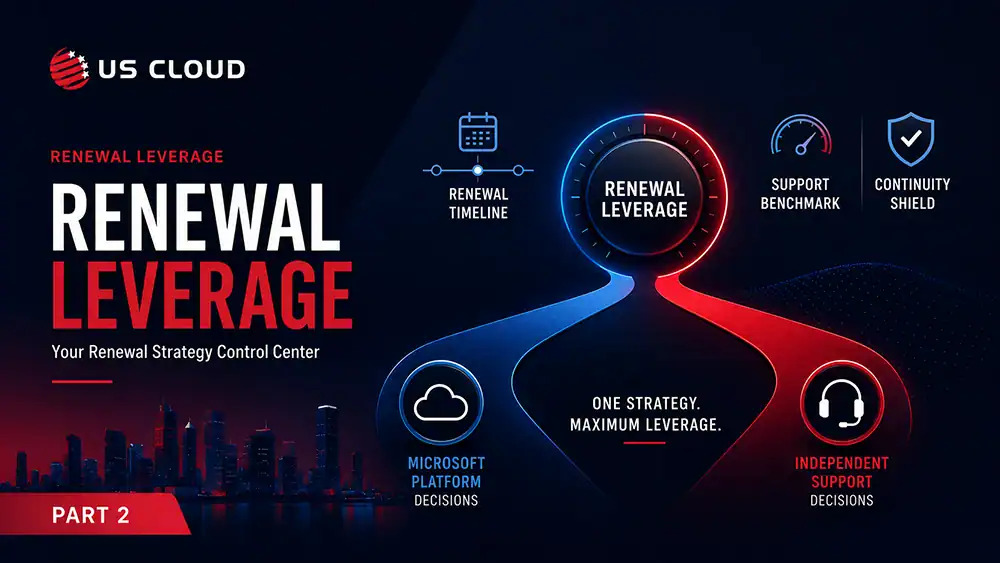
Microsoft 365 Price Increase July 1, 2026: What Enterprise Buyers Need to Know: Part 2
Microsoft Customer Agreement vs. Enterprise Agreement: The Government Administrative-Refresh Trap