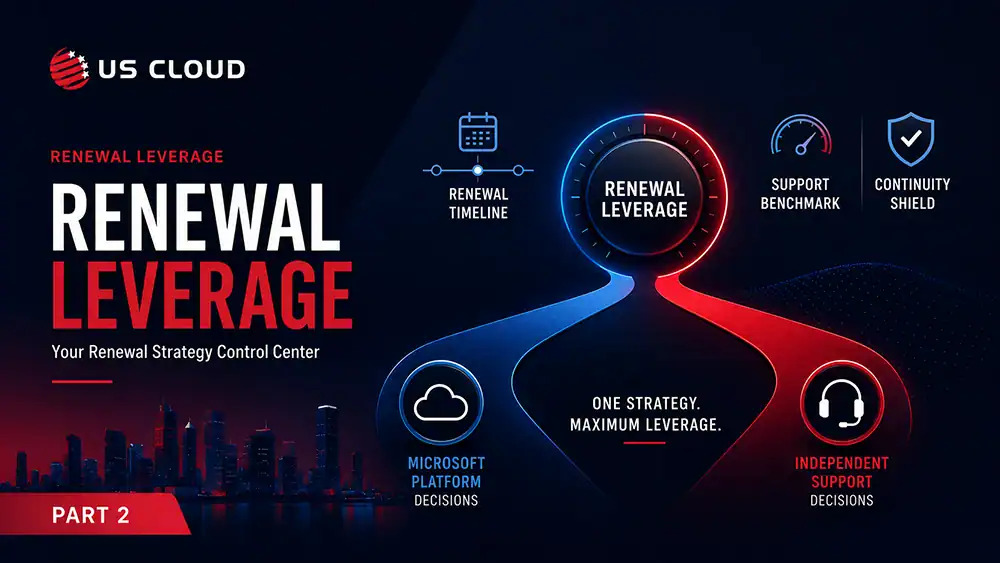
Leverage the Split or Save 50%: Top Tactics for Microsoft Enterprise Agreement Negotiation.


In today’s Microsoft contract landscape, few decisions offer as much negotiation power as separating your Enterprise Agreement (EA) and Unified Support renewal dates. It sounds like a detail. It’s not. Timing is leverage—and Microsoft knows it.
Bundling your Microsoft contracts into a single, coterminous renewal date may seem convenient, but it benefits Microsoft more than it benefits you. When your EA and Unified Support renew at the same time, you lose room to negotiate, compress your options, and limit your ability to walk away from unfavorable terms.
Let’s break down why splitting these dates is a smart move, how it gives you more control, and what you can do now to get ahead.
The Problem with Coterminous Contracts
Microsoft often encourages customers to align all agreements to a single renewal date. This coterminous model is framed as a way to simplify vendor management and reduce administrative overhead. The reality? It gives Microsoft all the cards during negotiation.
Trying to renegotiate Unified Support pricing at the same time your EA renewal is on the line is like walking a tightrope. If you push back too hard on support pricing, Microsoft can threaten to withhold favorable EA terms, bundle in unwanted cloud services, or slow-walk the entire process. That pressure often forces enterprises to settle for less-than-ideal support costs just to keep broader licensing intact.
When your support and EA agreements renew separately, that leverage disappears. You can negotiate each deal on its own merit. That’s the kind of power teams need in order to start seeing contracts that don’t favor Microsoft’s roadmap.
Benefits of Separating EA and Unified Support Renewals
Let’s break this down even further. It’s one thing to say that you’ll get a better deal if you split those contracts, but below you’ll find some more specific benefits for making sure your Microsoft Enterprise Agreement negotiation and your Unified Support renewal occur at different times.
Increased Negotiation Leverage
With staggered renewal dates, Microsoft loses the ability to tie incentives and penalties across contracts. You’re free to walk from Unified Support, switch to a third-party like US Cloud, or push for better pricing—without jeopardizing the terms of your licensing agreement.
Greater Contract Visibility
When renewals are separated, you can more easily evaluate each agreement in depth. You’re not rushed to evaluate both licensing and support in the same cycle, which means better analysis and cleaner decisions.
Budget Planning Flexibility
Splitting renewals also helps with budgeting. You can distribute costs across fiscal years and avoid compounding large IT expenses at once.
Reduced Vendor Lock-In
Microsoft uses bundling to keep customers within its ecosystem. By unbundling renewal dates, you increase your ability to bring in competitive support bids or adopt alternative procurement models like Microsoft Customer Agreement for Enterprises (MCAE).
Why Microsoft Pushes Coterminous Dates
Microsoft prefers coterminous contracts for one simple reason: they reduce your exit options. If your licensing and support are up for renewal simultaneously, Microsoft can:
- Use EA concessions to lock you into Unified Support.
- Make switching to third-party support providers like US Cloud more painful.
- Limit your timeline to evaluate alternatives.
You’re more likely to accept bad deals when the pressure is on. It’s a psychological play, and it works—unless you disrupt the timing.
Want to see how Microsoft sets the trap? Check out Skip the Microsoft EA Trap for a closer look at their bundling strategy.
How to Separate Unified Support from Your Microsoft Enterprise Agreement Negotiation
If your EA and Unified Support contracts are currently coterminous, you’ll need to plan ahead to decouple them. Here’s how:
Step 1: Identify Your Contract Dates
Pull your current EA and Unified Support agreements. Note the start and end dates, and review any clauses related to early termination or renewal notifications.
Step 2: Prioritize the Shorter-Term Agreement
Unified Support is typically the easier agreement to move independently. It has shorter terms (often annual), and fewer moving parts than a multi-year EA.
Step 3: Negotiate an Offset
At your next Unified Support renewal, negotiate for a shorter term (e.g., a 12-month extension instead of 3 years) to shift its renewal away from the EA timeline.
Step 4: Lock in Leverage Before EA Renewal
With Unified Support off-cycle, you’ll be able to walk into EA renewal negotiations without a support anchor. That’s your moment to explore better licensing models.
For more on breaking free of bundled timelines, see Why Coterminous Microsoft Contracts Hurt You.
US Cloud as a Strategic Resource for Microsoft Enterprise Agreement Negotiation
Even if you’re not ready to leave Microsoft Unified Support, US Cloud can still help. Just getting a quote from US Cloud and bringing that to your Unified Support contract negotiations have an 80% chance of lowering your Unified costs.
If you do decide to bring in a third-party support provider, our team has replaced Microsoft Unified Support for hundreds of large enterprises at up to 50% savings.
Timing matters. Separating the time for your Microsoft Enterprise Agreement negotiation and Unified Support renewal dates won’t solve every problem with Microsoft contracting, but it creates space—space to evaluate, negotiate, and ultimately choose what’s best for your organization.
Don’t give up your leverage for the illusion of simplicity. Decouple your contracts, take back control, and bring Microsoft to the table on your terms.
FAQ: Splitting Your EA and Unified Contracts
Is it hard to separate renewals for Unified Support and Microsoft Enterprise Agreement Negotiation ?
It takes planning, but it’s doable. The easiest approach is to negotiate shorter Unified Support terms and slowly shift the timeline.
Can I still use a third-party support provider like US Cloud if my contracts are coterminous?
Yes, but your timing may be tighter. Decoupling gives you more flexibility and negotiating power.
What if Microsoft resists separating the dates?
They often will. That’s a sign you’re on the right track. Stay firm and show that you’re evaluating all options—including third-party support. Even if you’re not ready to start switching over to third-party services, this can let them know that it’s time to take your negotiation requests seriously.
Will Microsoft penalize us for using third-party support?
Microsoft can’t legally penalize you, but they may apply soft pressure. US Cloud clients continue to receive full licensing and product access while using our support services.

Partner-Delivered Microsoft Support: A Unified Support Alternative for Enterprises
The Channel Support Spiral: How Microsoft Partners Can Protect Margin as Unified for Partner Rolls Out